Run a Motel Guides & Walkthroughs
From first vacuum pass to VIP suites, pool openings, and hired crews.
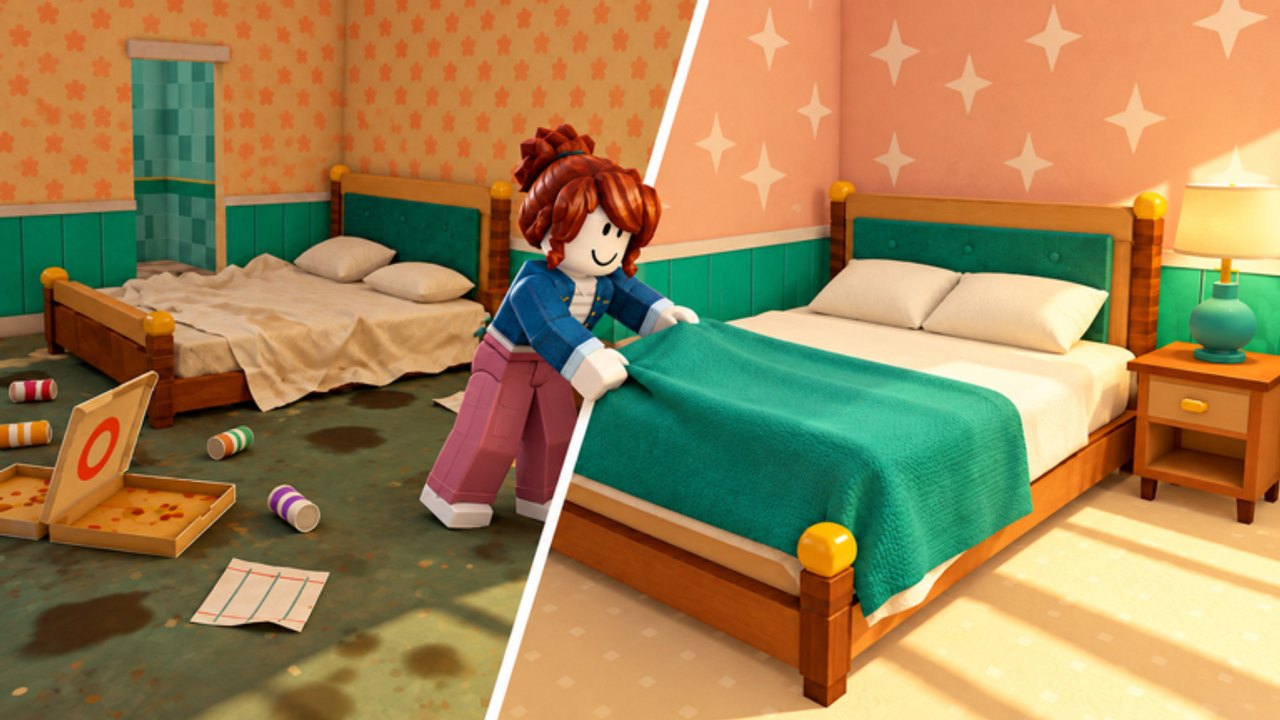
Welcome to the Run a Motel guides
Run a Motel by Dofaminum Studio is a Roblox Simulation / Tycoon experience (place live since 2026-10-18, up to 6 players per server, online co-op). You inherit a tired roadside motel and turn it into a star-rated stay by cleaning rooms, washing sheets, making beds, checking guests in, handing keys, hauling suitcases, serving coffee and room service, furnishing upgrades, fixing the yard and neon, opening the pool, renovating the second floor, and eventually hiring staff so you are not doing every chore alone.
This hub is the map. Each guide below is written for real sessions — not filler. Start with day one if you just joined, then branch into the systems that are bottlenecks for your motel right now.
Core guides
Getting Started
Day-one walkthrough covering spawn orientation, the first clean → laundry → bed → desk cycle, early money priorities, and how co-op with up to five teammates changes the pace. Watch the Owner AND Cleaner overview video embedded on that page, then come back here when you need specialty depth.
Cleaning and Laundry
Vacuum and mop routes, dirty-sheet pickup, washer timing, remaking beds, and how messy rooms kill star ratings. If guests keep complaining about dirty floors, this is your first stop.
Check-In and Guests
Front-desk flow: greet arrivals, assign rooms (including special corner requests), hand keys, carry suitcases, deliver coffee and room service, handle pets, and survive the hotel inspector. Different guest types — truckers, rock stars, families, newlyweds — tip and review differently.
Room Upgrades & VIP
Furnish rooms and climb Regular → Comfort → VIP. Learn which upgrades unlock better guests and payments without bankrupting the motel, and how to pair spending with the Tier List Hub.
Hire Staff
When DIY stops scaling on a busy six-player server, hire help, assign roles, and decide what you still do yourself. Includes neon-sign repair timing that often lines up with staffing milestones.
Pool, Yard & Neon
Clean graffiti, tidy the yard, fix the neon sign, open the pool, and renovate the second floor. These outdoor and expansion projects are the visible “wow” upgrades that pull in more traffic once rooms are already solid.
Money, Stars & Tips
How checkout pay, tip jars, and star ratings feed each other—when to spend on Comfort, VIP, or staff versus when to save through a rough review streak.
Room Service & Keys
Key handoffs, suitcase runs, coffee and room-service timing, plus the co-op runner role that keeps the desk free during rushes.
Hotel Inspector
Prep checklists for audit visits, common failure points (dirty rooms, laundry backlog, graffiti, broken neon), and recovery after a bad inspection review.
Co-op & Controls
PC/mobile proximity-prompt basics, six-player role splits, chat calls, and shared-funds etiquette so you are not stuck as the entire staff alone.
How to use this hub during a session
- New save / first hour — open Getting Started, then keep Cleaning and Laundry and Check-In and Guests open on a second screen if you play with friends.
- Cash flowing but reviews stuck — audit cleanliness and guest handling before buying flashy furniture; read Money, Stars & Tips.
- Ready to expand — follow Room Upgrades & VIP for indoor spend order, then Pool, Yard & Neon for exterior and floor-two projects.
- Overwhelmed by chores — jump to Hire Staff and split roles with Co-op & Controls.
- Inspector or service pressure — open Hotel Inspector and Room Service & Keys.
- Hunting freebies or meta picks — check Codes Hub (honest: no confirmed codes as of Nov 2026) and the Tier List Hub.
Co-op tips that apply across every guide
Servers hold up to six players. Assign lanes early: one player owns the desk and keys, one owns vacuum/mop routes, one owns laundry and beds, one handles luggage and room service, and late-game someone watches yard, pool, and neon. Communicate special corner requests and pet rooms so you do not double-book. Stars and reviews are shared reputation — a single neglected dirty room can undo a great VIP upgrade.
Related wiki sections
- Codes Hub — redemption habits and watch list while you wait for official promo strings.
- Tier List Hub — priority rankings for upgrades, guest types, and spend order.
- Updates Hub — patch notes that can change costs, staff, or expansion unlocks.
- Scripts Hub — only if you research automation; read safety notes first.
- Players Hub — guest roster, pets, corners, and co-op habits.
Writing standards for this wiki
Every guide aims for practical depth: clear headings, locale-agnostic internal links with trailing slashes, at most one real YouTube embed mid-article, and FAQs that match what players actually type into search. We will not invent codes, fake video IDs, or contradict the shared facts (release date, developer, Regular → Comfort → VIP ladder, guest roster, or six-player co-op).
Pick a guide above and get the motel earning tips again. When a new system ships in an update, it will appear here as its own walkthrough and get linked from this hub body so the map stays complete.
Frequently Asked Questions
Quick answers to the most common questions.
Which guide should I read first?
Start with Getting Started for the first-hour loop, then Cleaning and Laundry plus Check-In and Guests. Expand into VIP upgrades, staff, and pool/yard once cash and stars are stable.
Do these guides cover co-op?
Yes. Run a Motel supports online co-op with up to six players. See Co-op & Controls for role splits, and each guide notes where desk, cleaning, laundry, and luggage lanes help most.
Where are codes and tier lists?
Codes live on the Codes Hub (no confirmed active codes as of November 2026). Priority rankings live on the Tier List Hub. Both are linked from this Guides Hub.
Will you add more guides later?
Yes. We already added Money, Stars & Tips; Room Service & Keys; Hotel Inspector; and Co-op & Controls. New systems from Updates will keep getting dedicated walkthroughs and short blurbs in this hub index.
Are the YouTube videos real gameplay?
Yes. Embedded videos use verified Run a Motel footage IDs only — at most one per page, placed mid-article as a click-to-load facade.